KVABI Visual Intelligence Platform
Architecture / Visual Intelligence

On-Premise vs Cloud Visual Intelligence: Which Deployment Is Right?

visual intelligence deployment is not only a software decision. The right model depends on video volume, latency, privacy, bandwidth, security policy, integrations and how operational teams use alerts.

Arshad Qureshi, Founder, EnnoverseSeptember 29, 202612-15 min read
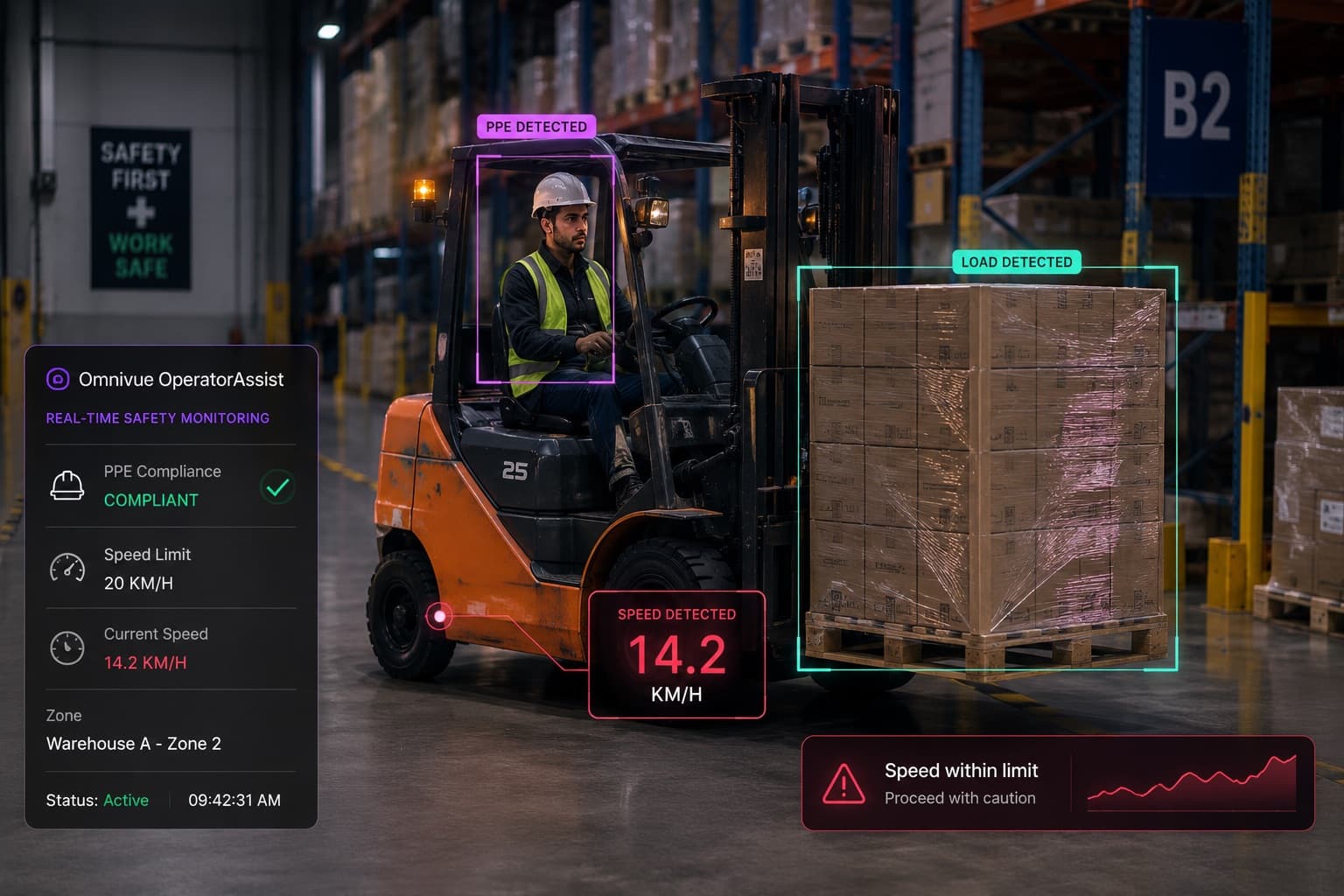
Real camera environments used to evaluate edge on-premise and cloud visual intelligence architecture
visual intelligence deployment architecture

Executive summary

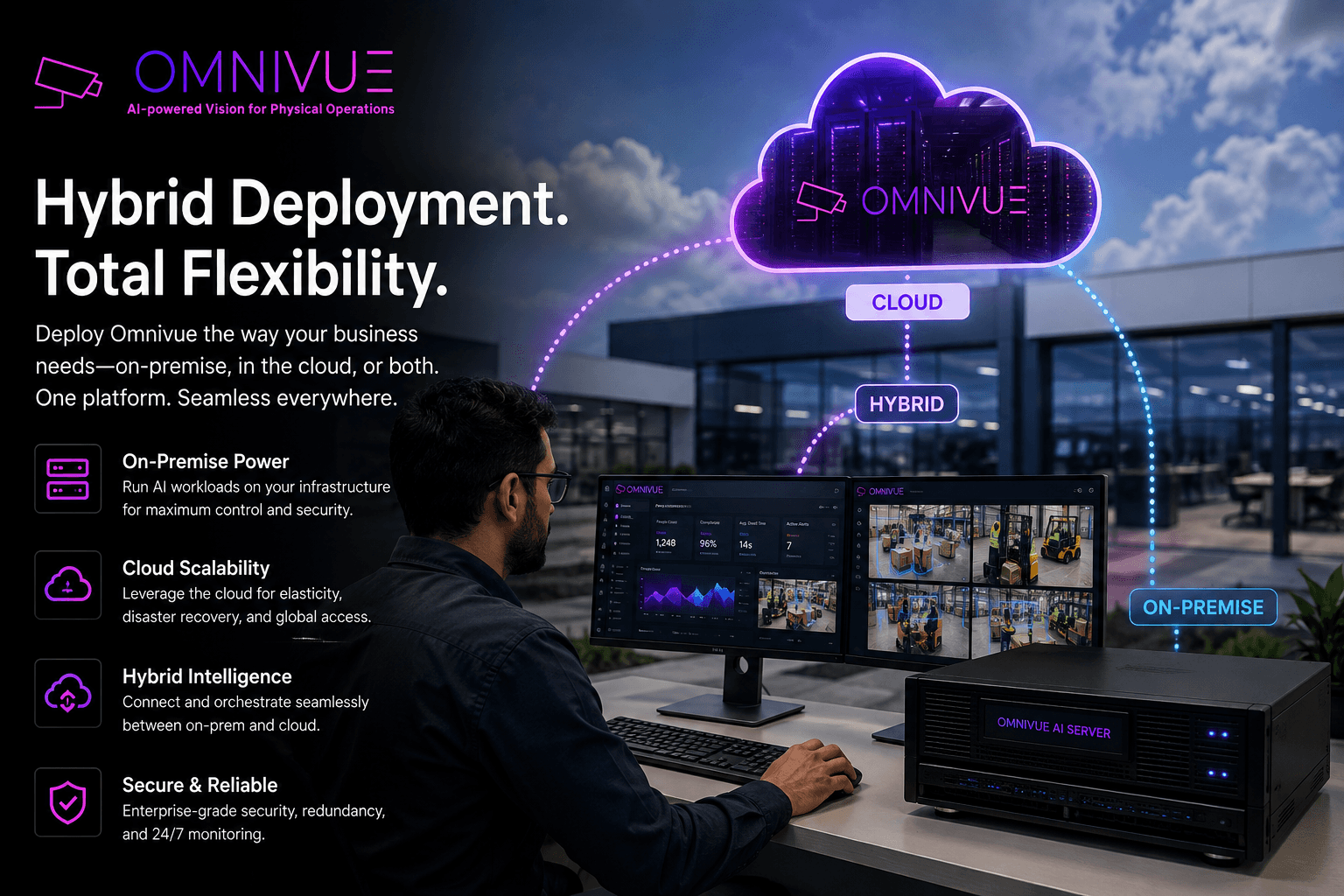
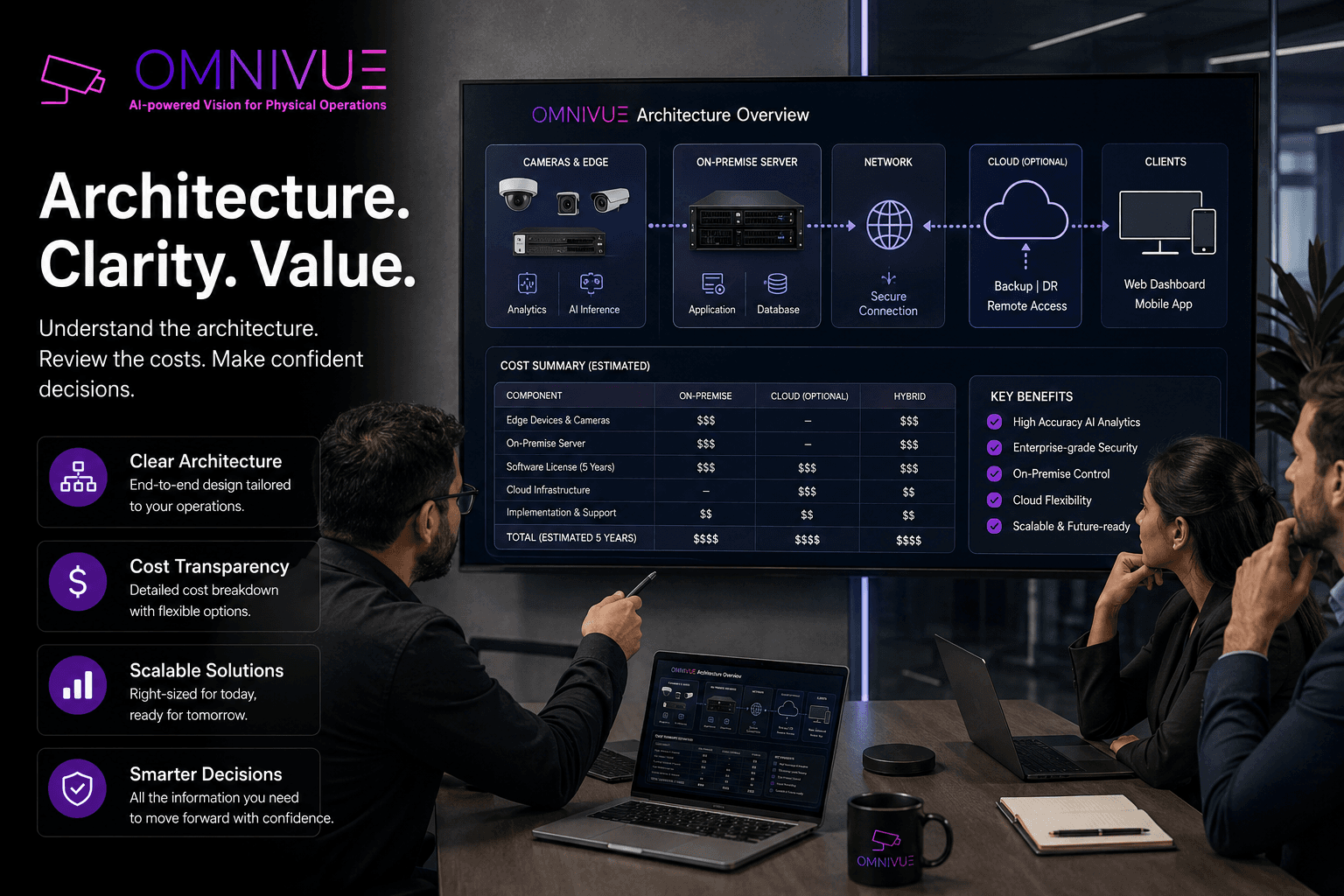
The deployment model for visual intelligence should be chosen before the commercial proposal is finalized. A cloud-only architecture may be simple to manage but expensive or impractical for high-volume video. A purely on-premise architecture may support privacy and latency needs but require local compute and support.
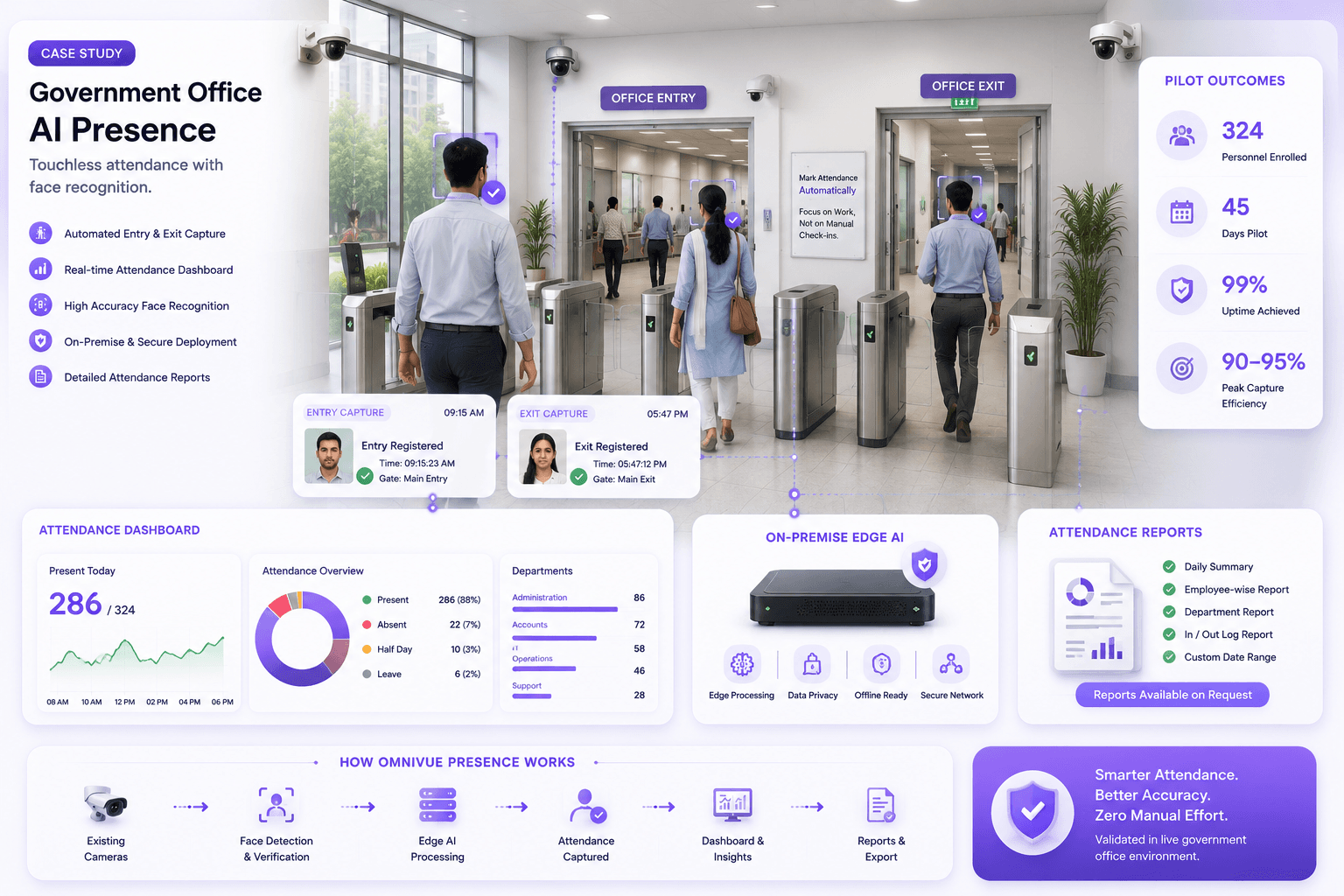
Enterprise camera feed used for local AI processing and access intelligence
Architecture content should still look grounded in camera operations, because deployment design starts with real video feeds.

The three deployment options

Cloud AI sends video or extracted frames to cloud infrastructure for processing. On-premise AI processes video inside the customer's network, often on a local server or GPU workstation. Edge AI processes video close to the camera or site, sometimes on an edge appliance.

Related KVABI pages for this topic include Architecture, Solutions and Partners.

Bandwidth and video volume

Raw video is heavy. Sending many CCTV streams continuously to the cloud can increase network cost and create reliability issues. Local processing allows the system to send events, metadata, snapshots or selected clips instead of full continuous streams.
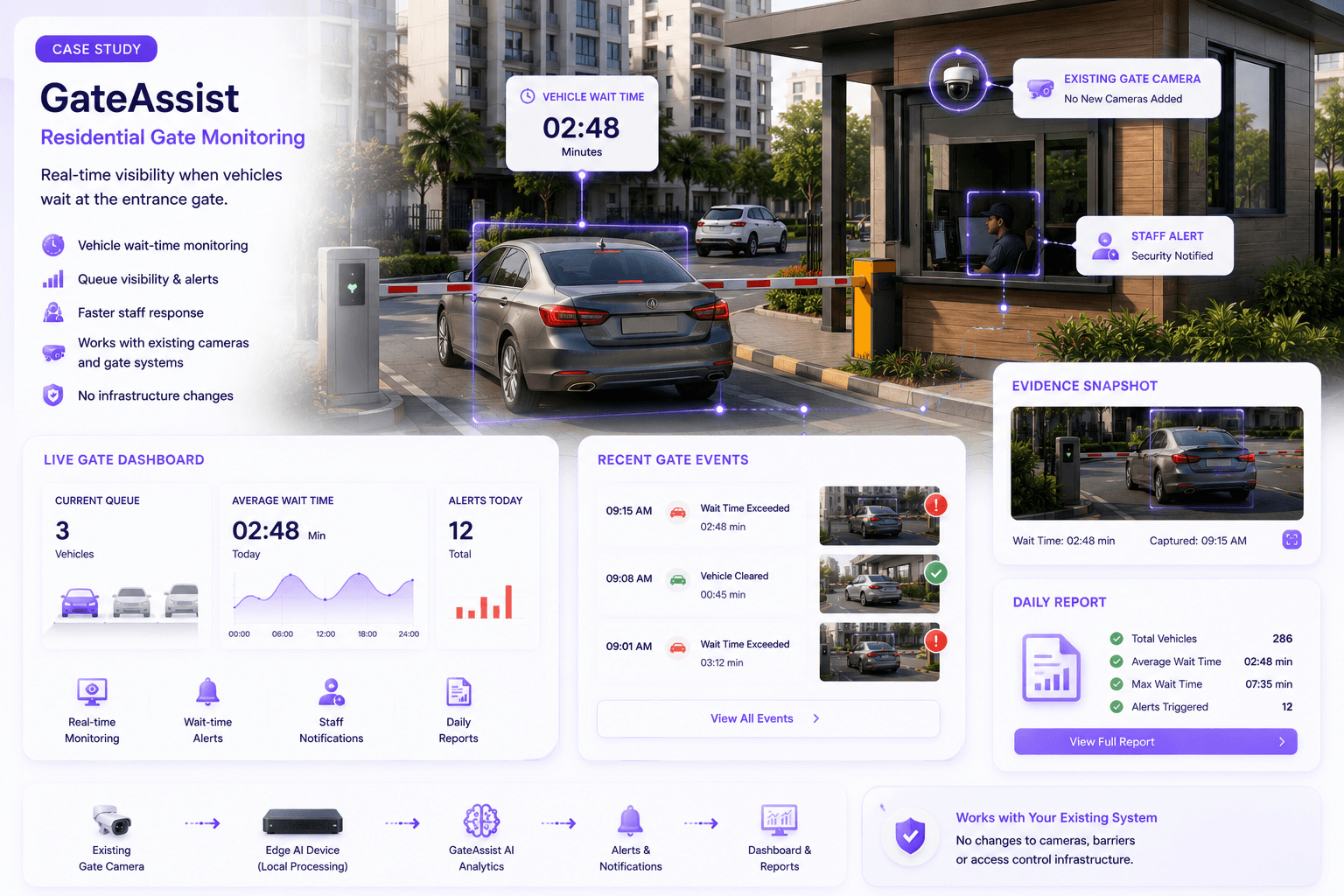
Vehicle intelligence camera feed used to explain local event processing and metadata transfer
High-volume camera environments often make edge or on-premise processing more practical than continuous cloud video upload.

Latency and response

For safety, access and gate workflows, delayed alerts can reduce value. Local processing can reduce round-trip delay and keep alerts active even when internet connectivity is unstable. Cloud processing may be acceptable for historical analytics or non-real-time reporting.

Decision areaWhat to checkWhy it matters
Camera suitabilityAngle, lighting, resolution and target sizeDetermines whether AI can see the operational event
Workflow ownershipAlert recipient, review process and closurePrevents dashboards from becoming unused reports
Scale decisionValidated scenes, compute needs and support modelTurns a pilot into a controlled rollout

Privacy and cybersecurity

Many enterprises, government sites, residential communities and industrial facilities prefer not to transmit continuous video outside their controlled environment. Cybersecurity review should cover stream access, credentials, network segmentation, update process, user roles, audit logs and retention.

Why hybrid is often best

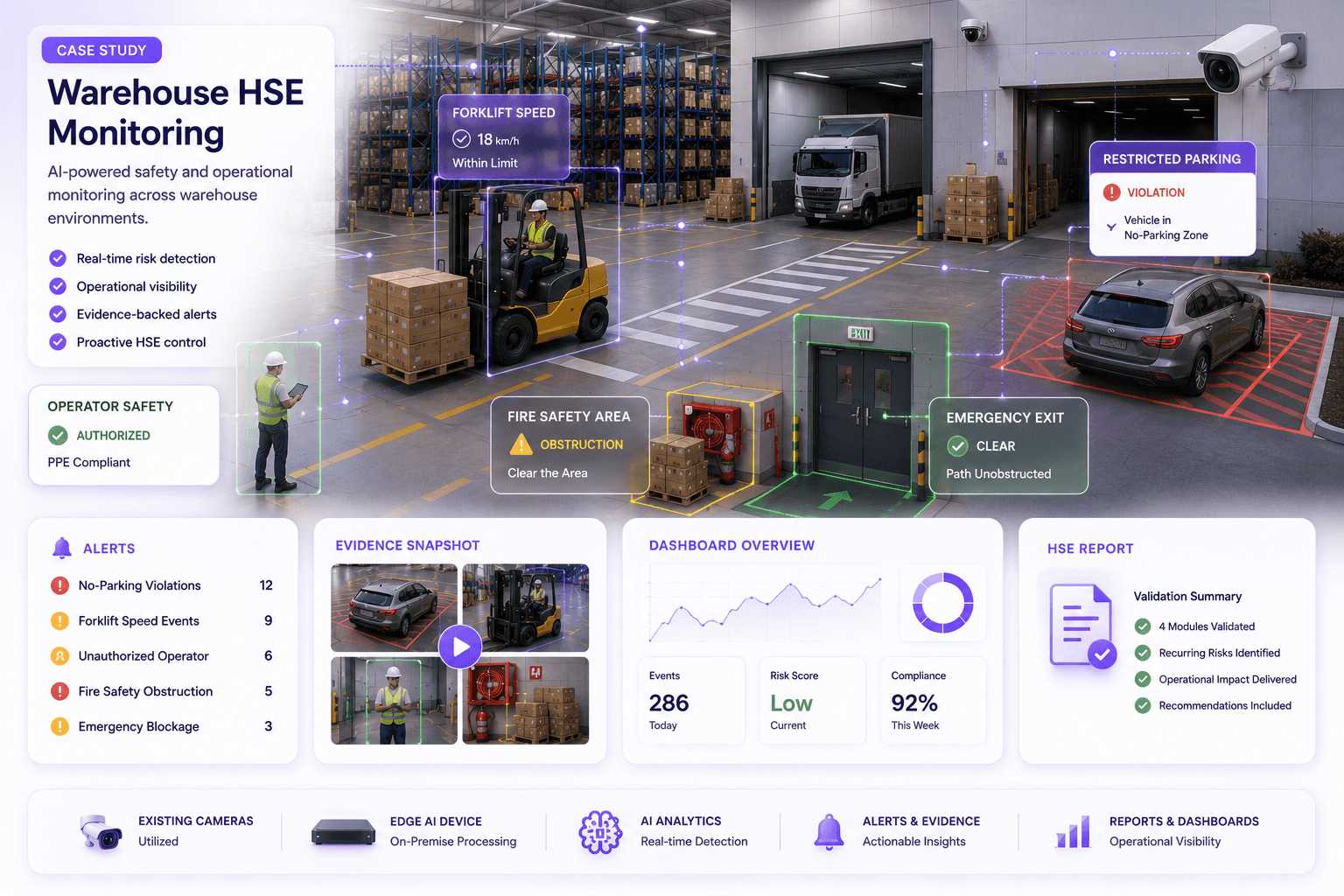
A hybrid architecture can process video locally, generate events locally and send only relevant metadata or evidence to a centralized dashboard. This gives operations teams fast response without forcing all video into the cloud.

Deployment architecture review

Choose the Right Visual Intelligence Deployment Model

KVABI helps enterprise and channel-partner teams evaluate edge, on-premise and cloud architecture for CCTV AI workloads, privacy requirements and operational workflows.


Frequently asked questions

Practical questions buyers ask.

Can this work with existing cameras?

In many cases yes, but the camera view, lighting, resolution, stream quality and workflow must be validated first.

Is this a replacement for human operators?

No. visual intelligence supports monitoring, alerting, evidence and reporting. Operational ownership remains with trained teams.

Should this begin as a pilot?

Yes. A pilot helps validate camera suitability, event definitions, alert routing and business value before scale-up.

Can KVABI deploy on-premise or edge?

Deployment should be chosen according to site requirements, privacy, bandwidth, latency and integration constraints.

What makes the project successful?

Success comes from a clear use case, suitable cameras, defined workflows, measurable outcomes and a scale-up plan.

Continue the foundation series

Related practical guides.

View all articles
Existing CCTV to operational intelligence
CCTV Modernization

How to Turn Existing CCTV Cameras into Operational Intelligence

Most organizations already have cameras. What they lack is a reliable way to turn video into decisions, alerts, evidence and operational action. Here is how an existing CCTV estate can become the foundation for AI-powered operations - without assuming that every camera must be replaced.

July 18, 20268-10 min read
Evidence-led vendor evaluation
Vendor Evaluation

How to Evaluate Visual Intelligence Vendors

Vendor selection should not be decided by the cleanest demo or the longest feature list. This guide shows how to evaluate whether an visual intelligence platform can perform consistently at your sites, fit your infrastructure and support a complete operational workflow.

July 18, 202611-13 min read
From controlled demo to production
Deployment & Pilot Strategy

Why Visual Intelligence Projects Fail

visual intelligence projects rarely fail because the underlying model cannot detect anything. They fail because the camera, workflow, integration, pilot design and operational ownership were never engineered as one system. This guide explains the failure points buyers should address before rollout.

July 18, 202610-12 min read