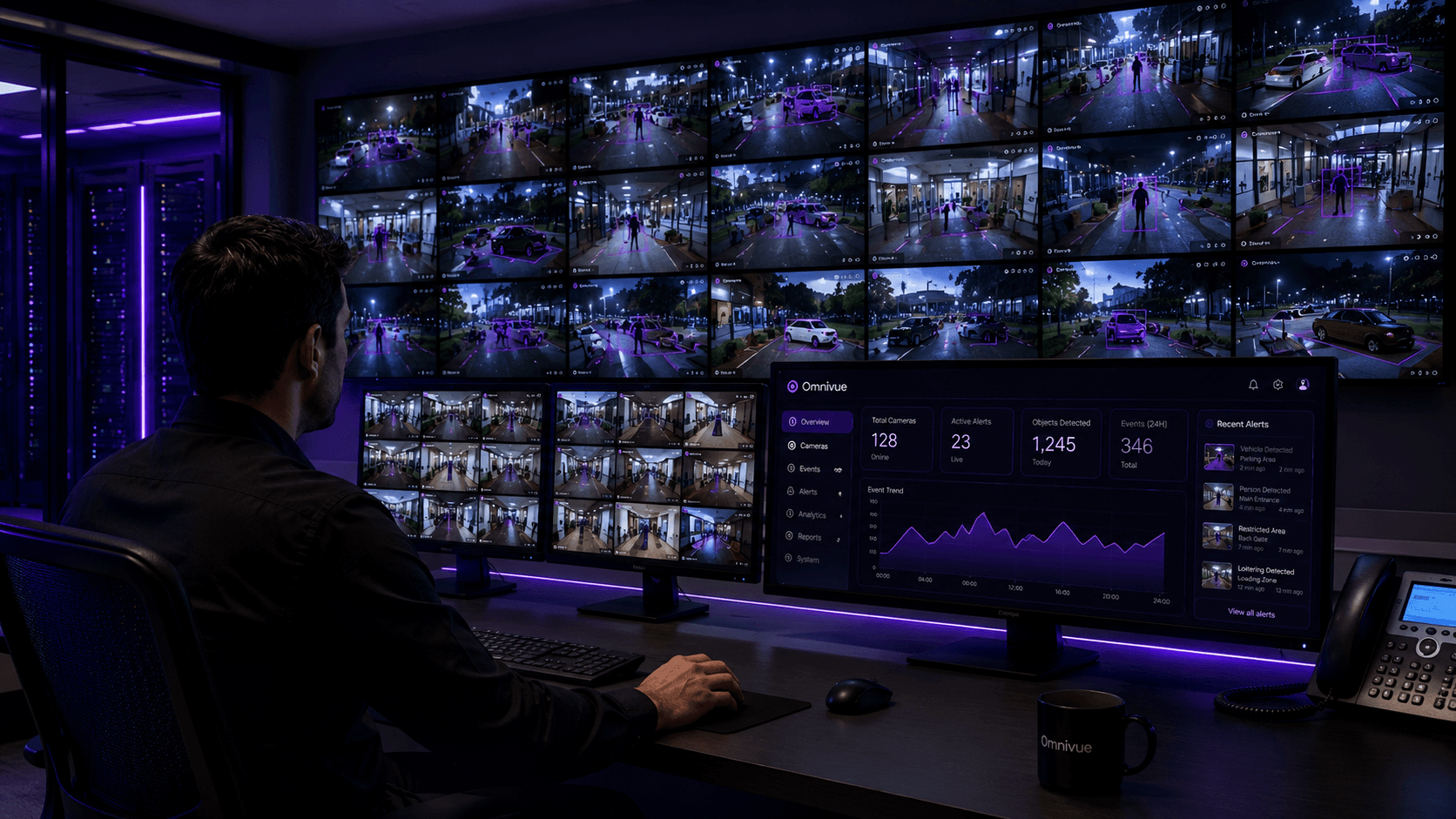
Kvabi 2.0: Connecting Video, Intelligence and Operational Action
Explore how Kvabi 2.0 connects camera views, VMS, AI events and operational response, with a practical workflow to evaluate in the live lab.
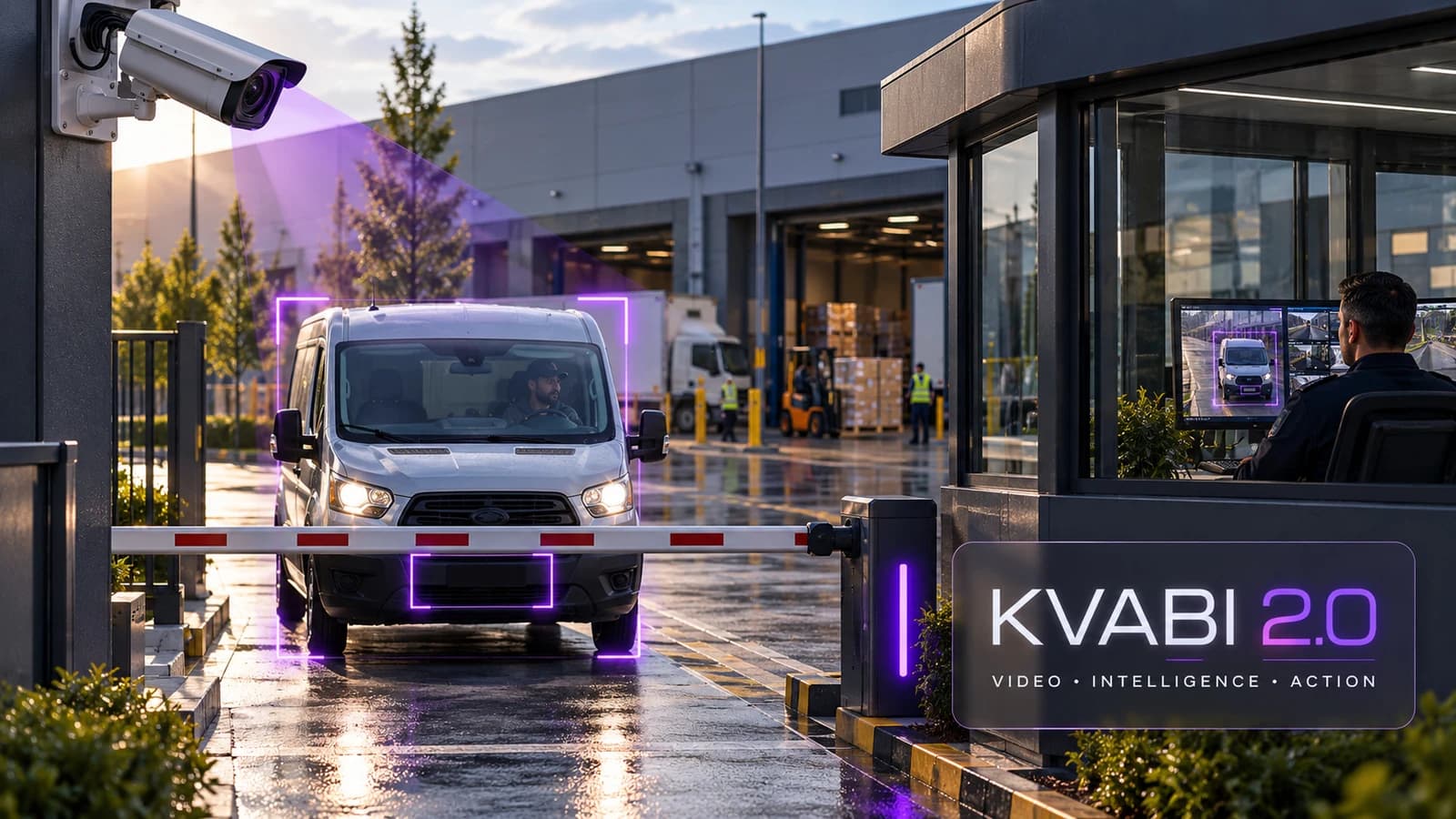
A camera can show that something happened. The operational question is what happens next: who reviews it, what evidence they need, and whether the response changes the outcome. Kvabi 2.0 brings that question to the centre of the conversation about video intelligence.
For a security manager, the priority might be finding the relevant recording. For a warehouse supervisor, it might be reviewing a safety exception. For a service-centre manager, it might be understanding a recurring queue. The useful starting point is a specific decision, followed by the camera evidence and workflow needed to support it.
What the platform brings together
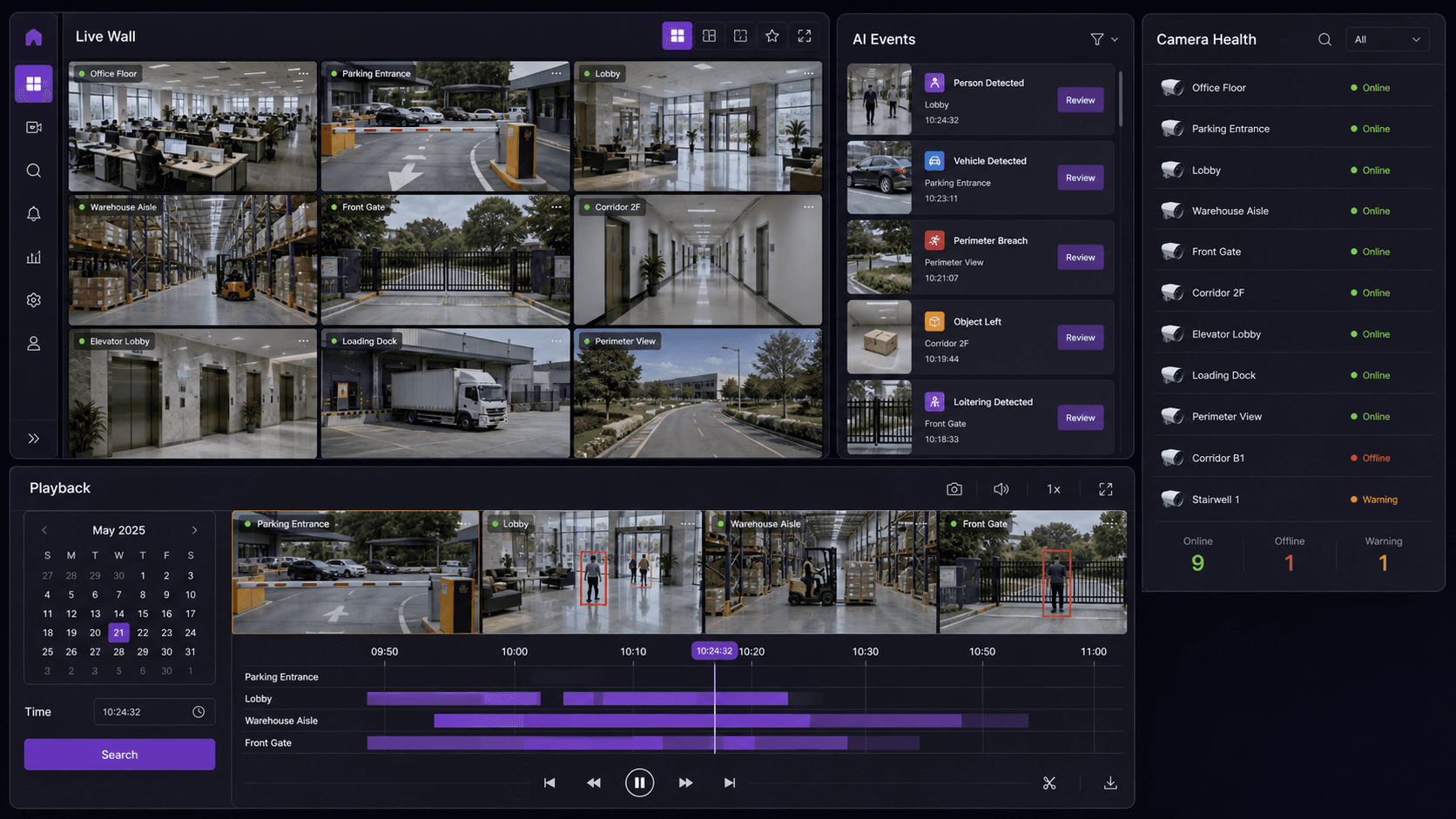
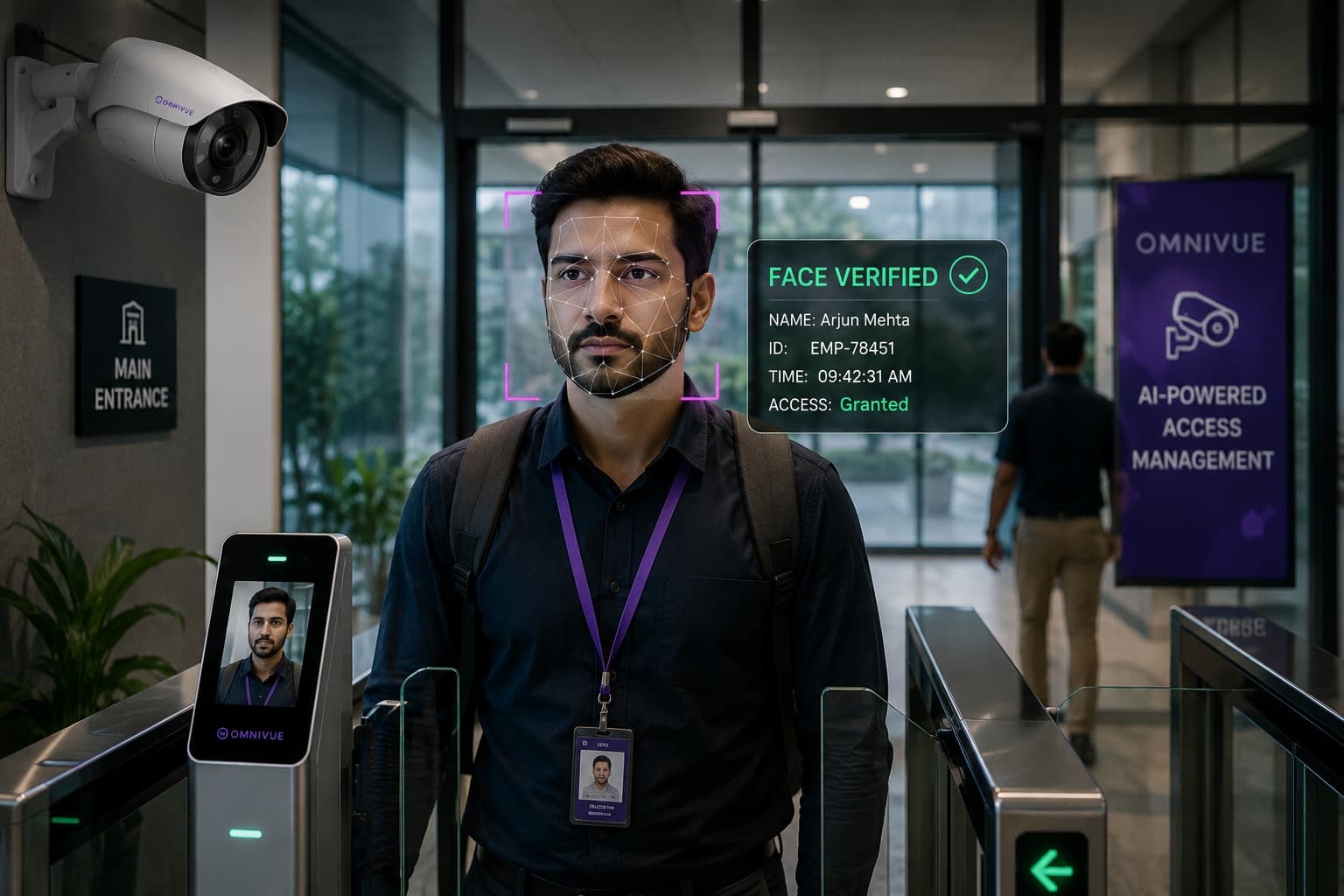
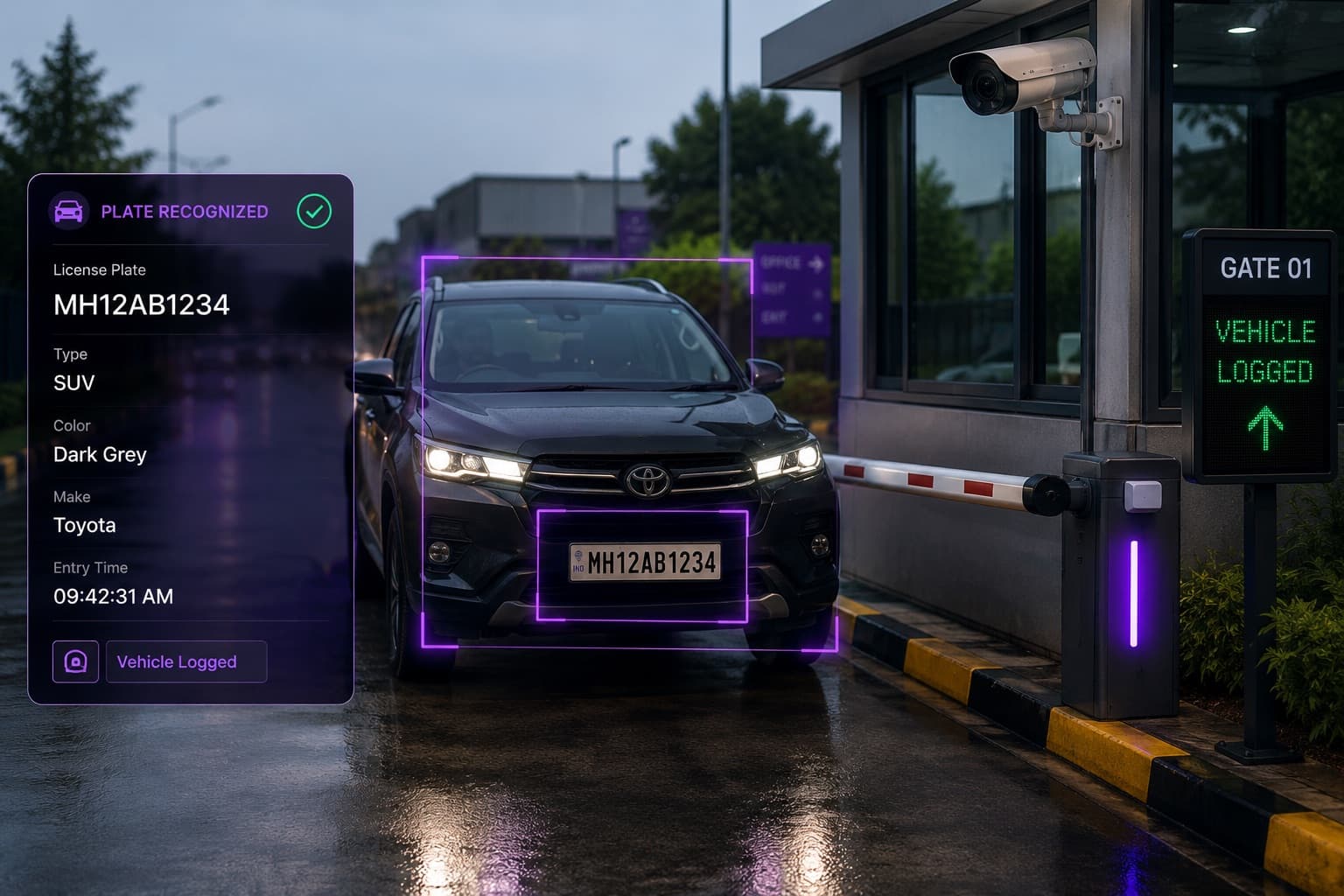
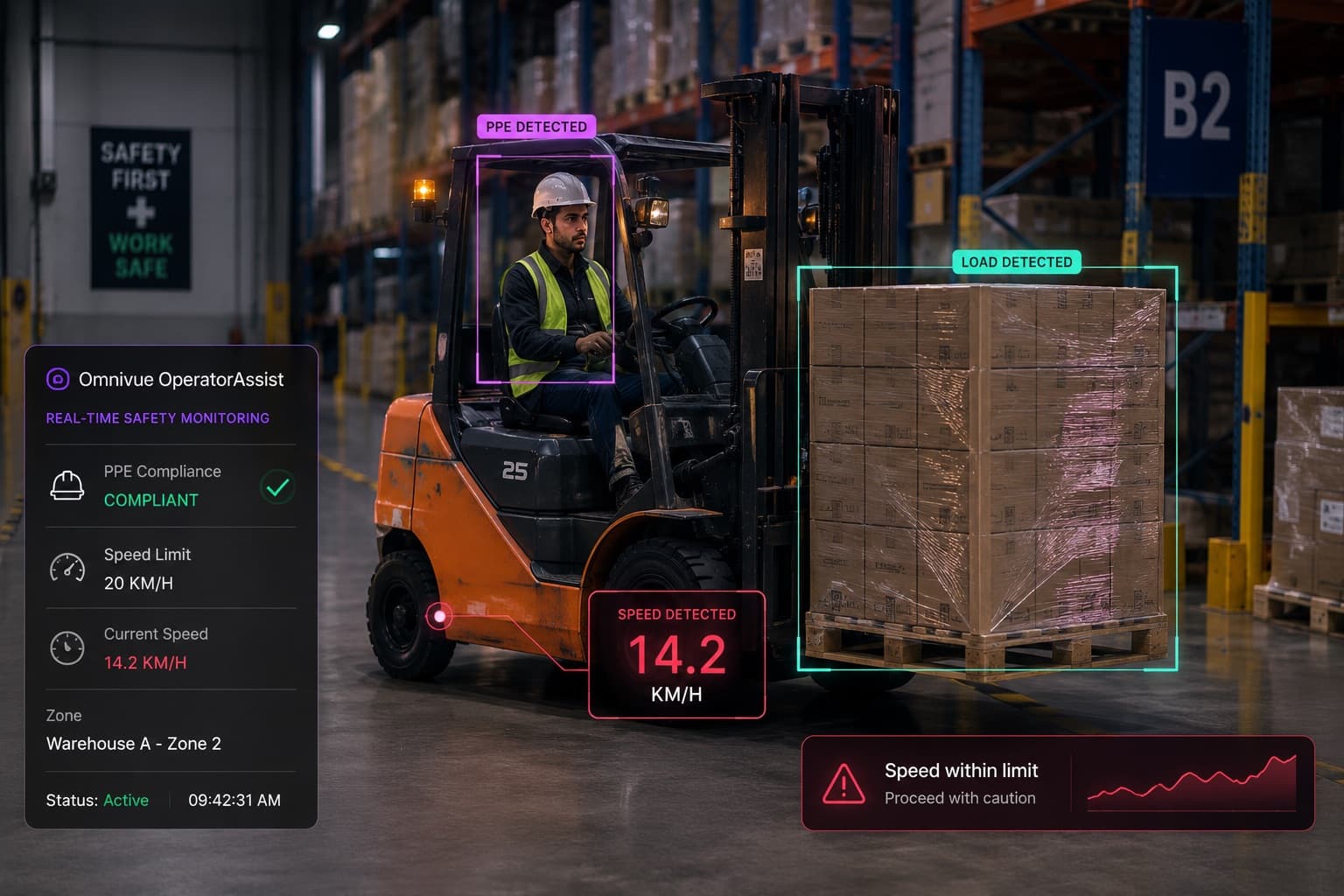
KVABI VMS provides a native video operations layer for live monitoring, playback, camera health and event evidence. Kvabi intelligence applications add context for selected access, vehicle, safety, attendance and retail workflows. Integrations connect supported events and decisions to the systems that run the site.
These layers have different jobs. Recording preserves video. Detection identifies an event of interest. A business rule establishes when that event matters. An operator or an authorized integration supplies the response. A useful deployment makes these responsibilities clear rather than treating every detection as a completed business outcome.
One platform also does not mean every capability is included in every project. The enabled applications, camera capacity, deployment model and integrations should match the agreed scope. Ask to see the exact workflow proposed for your environment, using the configuration and capabilities available for that demonstration.
Follow one barrier-delay event
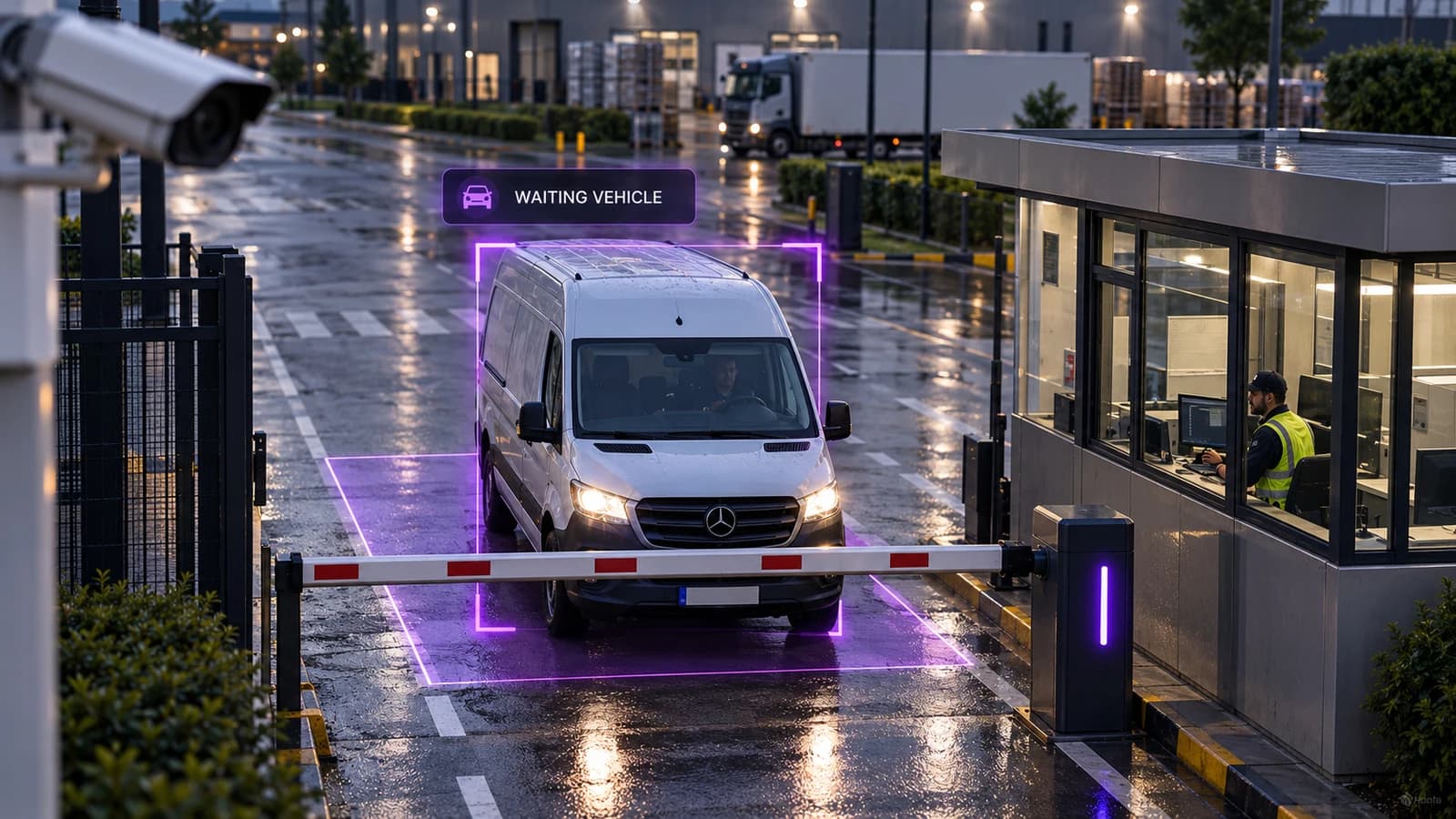
Consider a residential entrance where vehicles occasionally wait because a visitor needs assistance. The example below is an illustrative workflow, not a customer performance claim. The camera must first provide a stable view of the waiting area. A configured duration rule can distinguish a brief pause from a vehicle that needs attention.
The event is useful when reception or security can understand which entrance is affected, how long the vehicle has been waiting and what the camera shows. Staff can then follow the site's visitor or access process. A waiting vehicle is not, by itself, authorization to open a barrier.
After the event, a reviewer may need to understand whether the problem was a delivery, an access exception or a recurring staffing bottleneck. The evidence and operating record should support that review. Before rollout, agree which parts are captured by Kvabi and which remain in the access system, service desk or team process.
| Layer | Question to answer | What to demonstrate |
|---|---|---|
| Camera and video | Can the relevant activity be seen? | Suitable view, live access and retained playback |
| Intelligence | Which event deserves attention? | Defined zone, condition and relevant evidence |
| Response | Who acts, and with what authority? | Named recipient, review step and supported integration |
| Outcome | Did the workflow help? | Baseline, response measure and exception review |
Two ways to use the video foundation
Some organizations need a new video-management console. Others have a functioning VMS or NVR and want to add intelligence around compatible streams. Kvabi supports these two evaluation paths: native video operations with KVABI VMS, or an intelligence overlay where supported interfaces and site conditions allow it.
Choosing an overlay does not automatically give access to every recording, event or control in an existing platform. Choosing native VMS does not eliminate the need to plan recording, storage, users and support. Map those responsibilities before comparing proposals. The existing-camera guide explains why a usable stream and a suitable camera view are separate requirements.
Start with the outcome your team owns
Kvabi's Protect, Prevent, Optimise and Grow framework gives different teams a practical entry point. Protection may begin with controlled-access evidence. Prevention may begin with a blocked emergency route. Optimization may begin with a service queue. Growth may begin with understanding customer activity in relation to staffing and service capacity.
Choose one of those problems and write a short acceptance statement. For example: the team can review a relevant gate-delay event, locate the supporting footage and record the response in the agreed operating process. That statement is more useful than a target for generating a large number of alerts.
- Name the location, camera view and operating period.
- Define the event and the exceptions that should not trigger action.
- Identify the reviewer and the destination for the response record.
- Agree which observations would justify a site pilot or a change in camera placement.
See the workflow in the live lab
The Kvabi live lab is available on request. You can see a relevant workflow and discuss using your own CCTV footage to evaluate how Kvabi would fit your site. Start by describing the operational problem; the team can then agree the sample and sharing arrangements.
A footage review can reveal visual feasibility and help demonstrate event evidence. It does not, on its own, prove the reliability of a live network, a physical access integration or long-term operating performance. Those questions belong in a scoped site validation. Bring both the expected event and ordinary activity so the discussion includes exceptions and false alerts.
Make the next decision concrete
At the end of the demonstration, aim to know which view is suitable, which workflow is available, what still needs integration and how success will be measured. If the footage cannot support the intended decision, the next step may be repositioning a camera or narrowing the scope. If it can, use the pilot planning guide to turn the demonstration into an agreed validation plan.
Kvabi 2.0 is best understood through that complete journey: see the activity, understand the event, inspect the evidence, support the response and review the result.
Kvabi 2.0 live lab
Request a Kvabi 2.0 Live Demo
See the relevant Kvabi workflow in a live lab session. Describe your site and, if useful, arrange an evaluation with CCTV footage you are authorized to share. Sample requirements and transfer arrangements are agreed after your request.