Keep Your Existing VMS or Adopt Kvabi VMS? A Practical Decision Guide
Compare a Kvabi intelligence overlay with native Kvabi VMS using recording, compatibility, evidence, integration and rollout responsibilities.
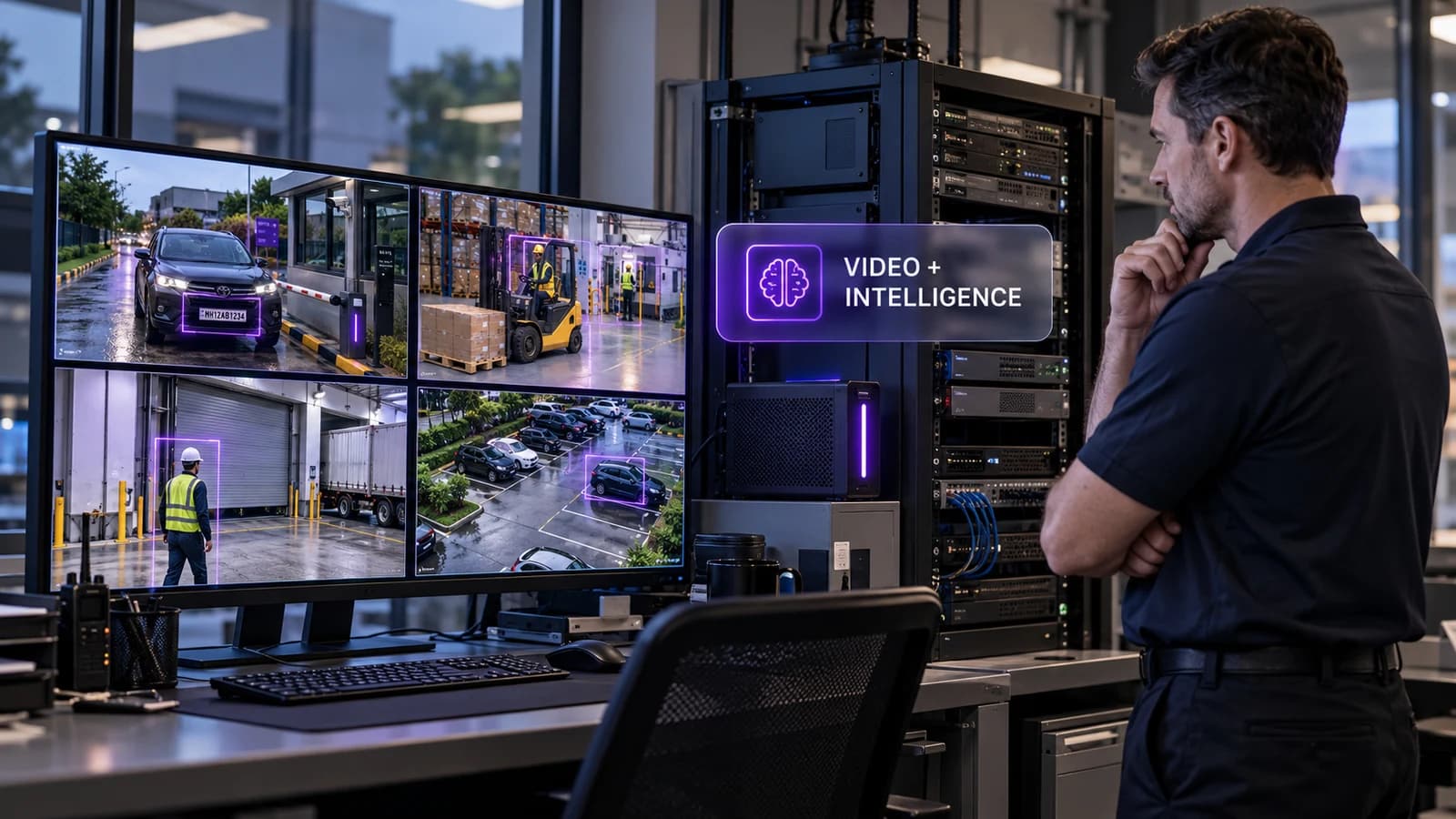
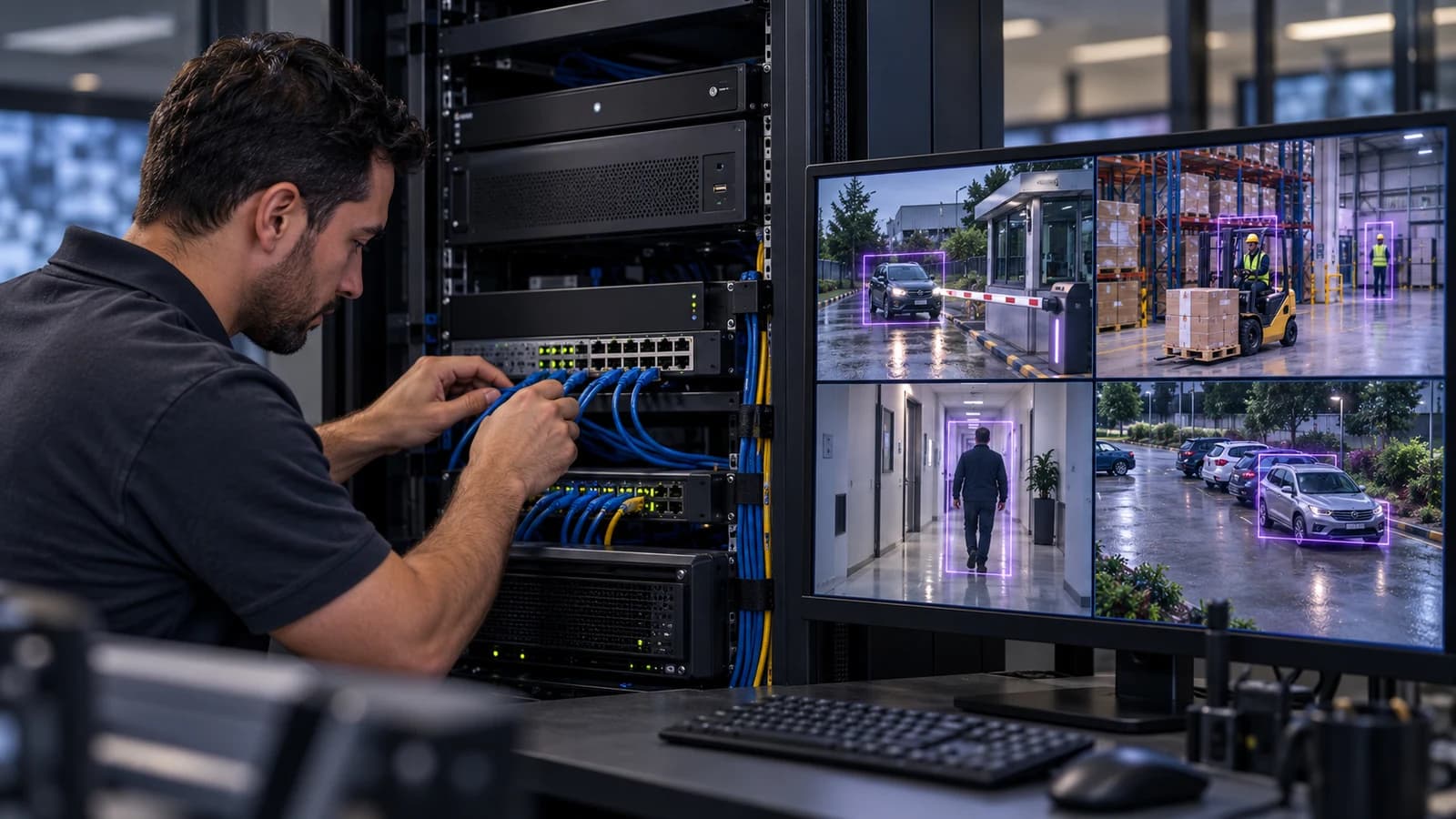
A working CCTV estate represents more than installed cameras. It includes recording policies, operator habits, network design, user permissions, support agreements and an archive that may matter during an investigation. Adding AI should begin with those responsibilities.
Kvabi offers two paths to evaluate: add intelligence alongside compatible existing camera, NVR or VMS infrastructure, or use KVABI VMS as the native video operations layer. The right choice depends on the operating problem and the interfaces available at the site. A new VMS is not automatically required for every AI project, and an overlay is not automatically a complete integration.
Separate three decisions
First decide which cameras can provide suitable evidence. Then decide where video will be recorded and reviewed. Finally decide where intelligence, alerts and operational actions will run. These decisions influence each other but should not be collapsed into one yes-or-no compatibility question.
An accessible stream may support an intelligence workflow while the existing recorder remains responsible for the archive. That does not establish that historical playback, user permissions, event metadata or exports can be exchanged between platforms. Each requirement needs its own check.
When an overlay is a sensible starting point
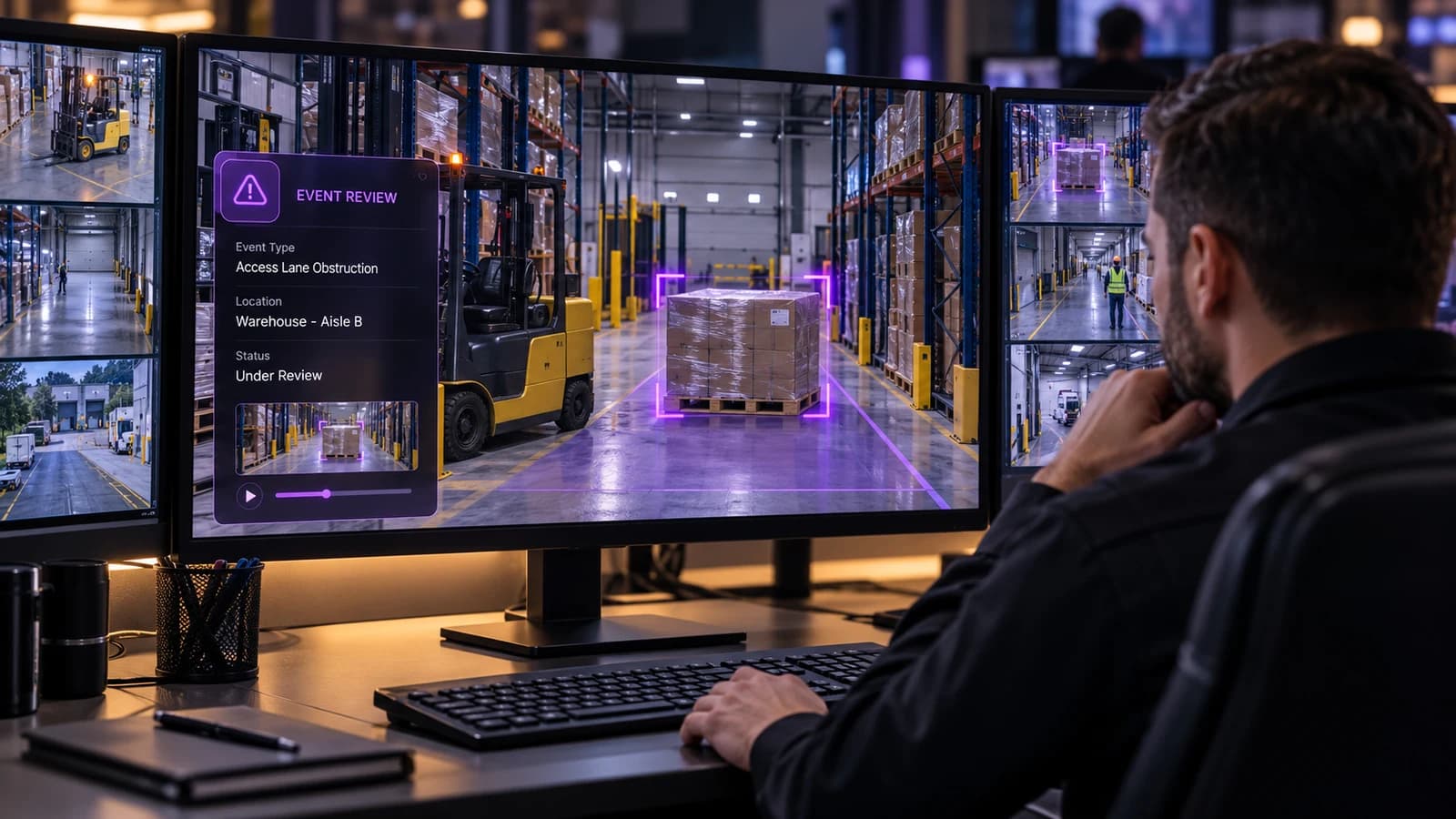
An overlay is attractive when recording and monitoring already meet the customer's needs and the first goal is a specific operational capability. A warehouse may want to evaluate safety events on selected views while retaining its current recording process. A parking site may want vehicle intelligence without changing every operator's console at once.
The evaluation should identify the supported stream source, who authorizes access, where processing happens and how an operator reaches the evidence. Ask what happens when a stream changes, credentials rotate or the existing platform is upgraded. Include the customer's incumbent integrator where that party owns the affected configuration.
When native KVABI VMS deserves consideration
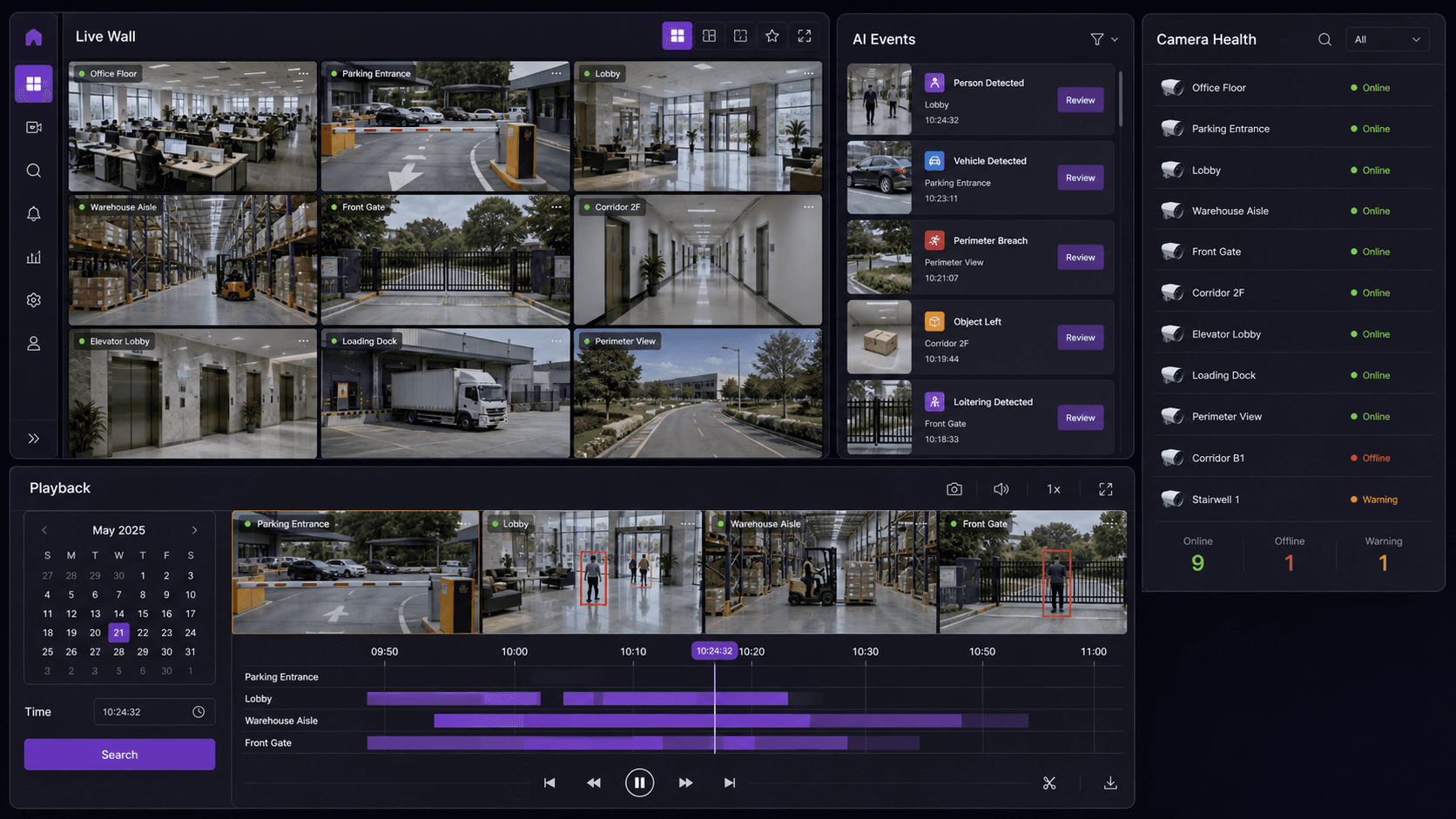
Native VMS is worth evaluating when the organization also needs a video-management foundation for live monitoring, playback, camera health, evidence and controlled user access. It may be a new site, a planned refresh or a requirement for an operating console aligned with Kvabi intelligence applications.
Specify recording and storage requirements explicitly. Review retention, camera and stream support, playback expectations, site access and the operating load with the delivery team. Treat migration of historical recordings as a separate requirement; do not assume another system's archive will automatically become searchable or playable in a new VMS.
| Decision | Existing VMS with Kvabi overlay | Native KVABI VMS |
|---|---|---|
| Recording responsibility | Usually retained in the existing system unless agreed otherwise | Designed as part of the new video-management scope |
| Operator workflow | May span existing tools and Kvabi | Evaluate the native live, playback and event workflow |
| Compatibility check | Streams plus any required playback or event interfaces | Cameras, recording, storage and required integrations |
| Change effort | Targeted additions, with integration ownership | Configuration, transition, training and support planning |
| Best first proof | One useful AI workflow alongside current operations | One complete video and intelligence review workflow |
Compare total operating work
The least disruptive option is not always the one with the fewest new screens. Consider who troubleshoots a missing stream, who maintains integration settings, and how a reviewer assembles evidence. Two systems can coexist successfully when responsibilities are explicit. A single console can still require careful infrastructure and process design.
Compare software, compute, recording storage, network work, integration, migration, training and ongoing support. Account for infrastructure that can be reused. Avoid assuming that a lower initial license cost guarantees a lower total cost, or that moving platforms automatically reduces staffing needs.
Keep deployment location separate from product choice
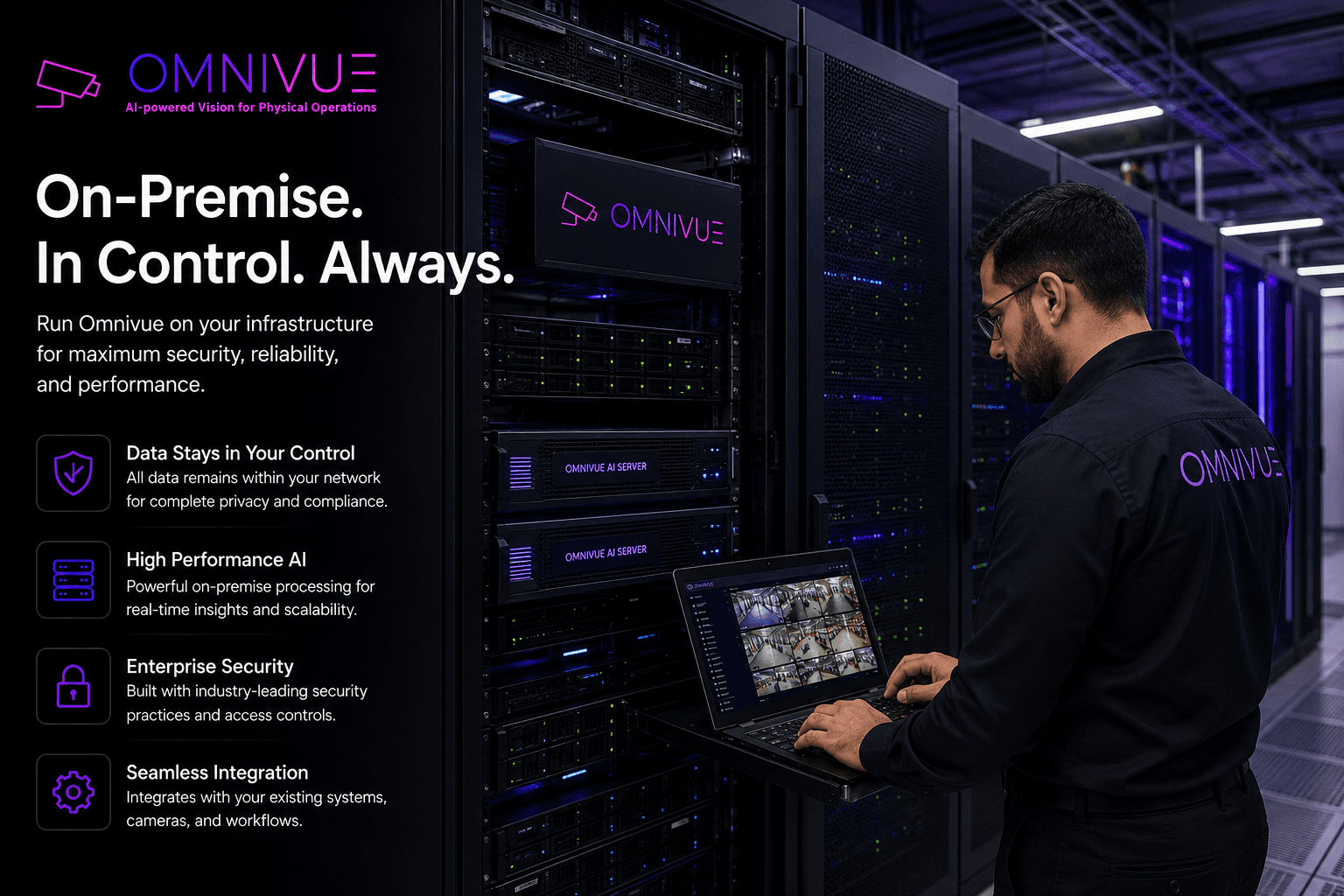
Overlay versus native VMS is not the same decision as cloud versus on-premise. Processing and video responsibilities can be arranged in different supported deployment models. Bandwidth, privacy, local continuity and remote review needs should drive the architecture discussion.
The deployment architecture guide explains those considerations. For your site, draw the actual flow: camera, recorder, intelligence processing, event evidence, operator and integration destination. Mark which connections need the internet and which remain local. Validate the proposed behavior instead of relying on a broad "offline-ready" label.
Plan a reversible first phase
Begin with selected cameras and a defined workflow. Keep existing recording responsibilities clear while testing the new path. Agree rollback conditions, access controls, support contacts and how the team will identify gaps in recording or evidence.
- Inventory cameras, recorders, software versions and required interfaces.
- Select a representative view and one operational event.
- Demonstrate live view, available playback, event evidence and the response path.
- Document unresolved compatibility or migration questions before expanding.
The live lab can help you compare the experience and evaluate sample footage. Live stream access, storage behavior and site integrations still need validation in the proposed environment. A decision is ready when the buyer can explain who owns the video, who owns the event and who owns the response in either option.
Kvabi 2.0 live lab
Request a Demo for Your CCTV Setup
See the relevant Kvabi workflow in a live lab session. Describe your site and, if useful, arrange an evaluation with CCTV footage you are authorized to share. Sample requirements and transfer arrangements are agreed after your request.