Bring Your CCTV Footage: What You Can Evaluate in the Kvabi Live Lab
Learn how to request a Kvabi live lab demo, prepare representative CCTV footage and distinguish visual feasibility from live-site validation.
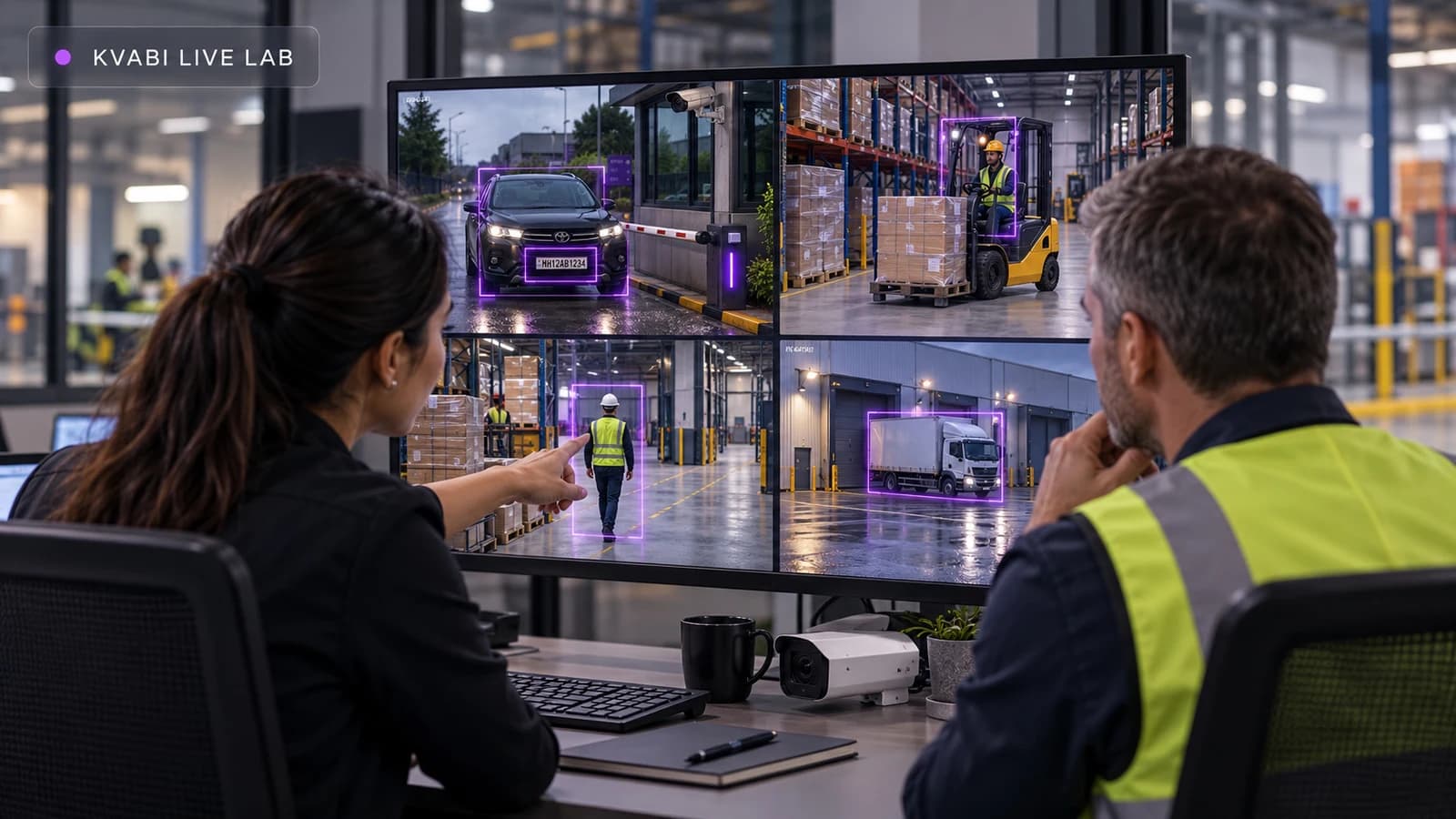
A demonstration is most useful when it answers a question about your operation. Can this view show the waiting vehicle clearly? Is the safety condition visible at the distance that matters? Can an operator understand an event from its supporting evidence?
The Kvabi live lab is available on request to help you explore those questions. You can see Kvabi in operation and arrange an evaluation using CCTV footage from your own site. The purpose is to establish a credible next step: proceed to a pilot, adjust the camera view, refine the workflow or decide that the proposed use case is unsuitable.
Begin with one question
Choose a use case before selecting clips. "We want AI on our cameras" leaves too many variables open. "We want to identify vehicles waiting in this entrance lane and show reception the relevant event" defines a place, a condition and an owner.
Explain what currently happens, who handles it and what would improve the process. Include the ordinary exceptions: a vehicle may legitimately stop at a barrier, a technician may enter a restricted work zone with permission, and a queue may move outside its normal area during a busy period. Context makes the evaluation more useful than a collection of dramatic clips.
Agree the footage sample before sending it
Use the demo request form to describe the site and state that you would like a customer-footage evaluation. The form is an enquiry route, not a video-upload portal. The team will agree a transfer method, the evaluation scope and the practical handling arrangements with you.
Share only footage you are authorized to provide. Discuss who may access the sample, its intended use, retention and deletion before transfer. Do not put camera passwords, private stream URLs or access credentials in the public enquiry form. If your organization cannot share footage externally, raise that constraint at the start so a suitable evaluation approach can be discussed.
Avoid repeatedly re-encoding clips or sending a screen recording of another screen when an original export is available. Compression, zoom and overlays can change the evidence the system receives. Keep the native export where practical and explain any changes that were necessary for sharing.
| Prepare | Why it helps | Discuss with the team |
|---|---|---|
| Representative camera export | Preserves the available visual evidence | Format, duration, resolution and any redaction |
| Positive and ordinary activity | Tests both relevant and irrelevant events | Known events, expected exceptions and quiet periods |
| Camera and scene context | Explains distance, angle and visibility | Location description, lighting and occlusion |
| Expected operational response | Connects evaluation to a real decision | Reviewer, destination and desired evidence |
Include the conditions that make the job difficult
A single clear daytime clip may demonstrate the easiest version of a problem. Include the operating conditions that actually matter: different shifts, glare, partial obstruction, busy scenes or low-light periods where available. Keep the selection relevant to the first workflow rather than sending a large, unexplained archive.
Mark approximate event times and explain what you believe happened. These notes are reference observations for review, not a reason to assume the system must reproduce every human interpretation. If the event is ambiguous even to a reviewer, record that ambiguity. The camera-placement guide helps identify when the limiting factor is the view itself.
What the session can show
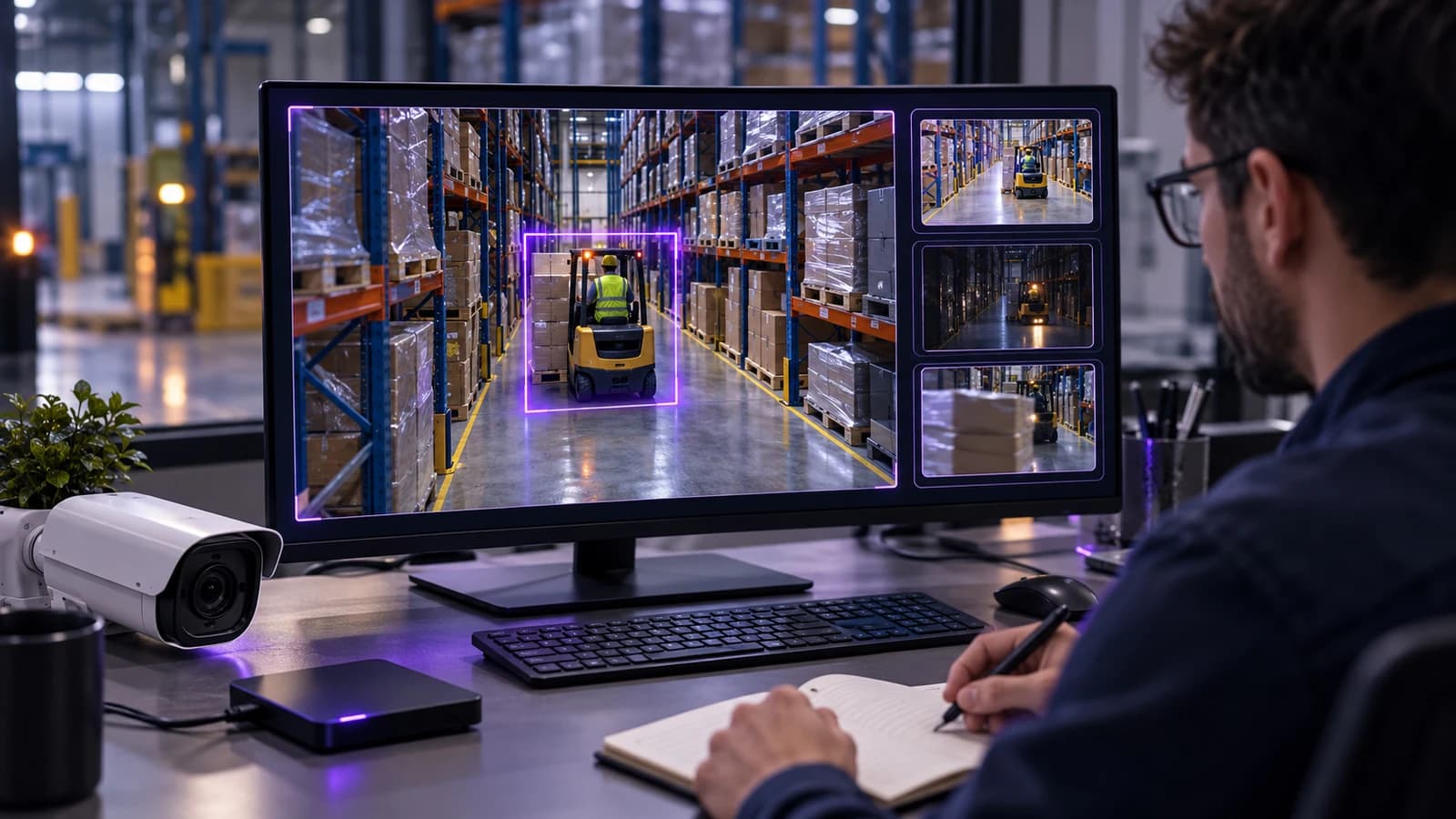
The lab can help assess whether the subject and condition are visible, demonstrate relevant event output and show how evidence is reviewed in the available Kvabi workflow. Use the session to examine misses and irrelevant detections as well as successful examples. Ask what configuration was used and which assumptions depend on site information.
For a VMS-focused demonstration, ask to see how an operator moves between video, event context and evidence. For an operational application, ask how the event reaches the responsible team. Separate the demonstrated steps from proposed integrations that are not part of the lab setup.
What a recording cannot prove
Recorded footage does not reproduce a live site's stream reliability, network interruptions, processing load or physical integration behavior. It also does not establish sustained improvement in response times, safety or revenue. A barrier action, for example, needs controlled integration testing with the site's authorization and fallback rules.
Treat an encouraging result as evidence for the next stage, not a universal accuracy guarantee. A site pilot should cover representative conditions, clear event definitions and the complete operating process. Avoid extrapolating a percentage from a few selected clips to every camera or location.
Leave with an evaluation record
Agree a concise record of what was tested. Capture the camera view, sample conditions, expected events, observed output, examples needing review and recommended next steps. If you calculate precision or missed-event measures, define the reference labels and the denominator. Counts from a curated sample should stay labelled as sample results.
- Suitable now: the view supports a scoped workflow worth validating live.
- Suitable after adjustment: placement, lighting, configuration or process needs work.
- Not established: the sample is too limited or the required evidence is not visible.
Those conclusions are all useful. The live lab should help your team make a better decision before it commits to a wider installation. Request a session with the problem you want to solve and let the footage shape the scope.
Kvabi 2.0 live lab
Request a Live Lab Demo with Your Footage
See the relevant Kvabi workflow in a live lab session. Describe your site and, if useful, arrange an evaluation with CCTV footage you are authorized to share. Sample requirements and transfer arrangements are agreed after your request.