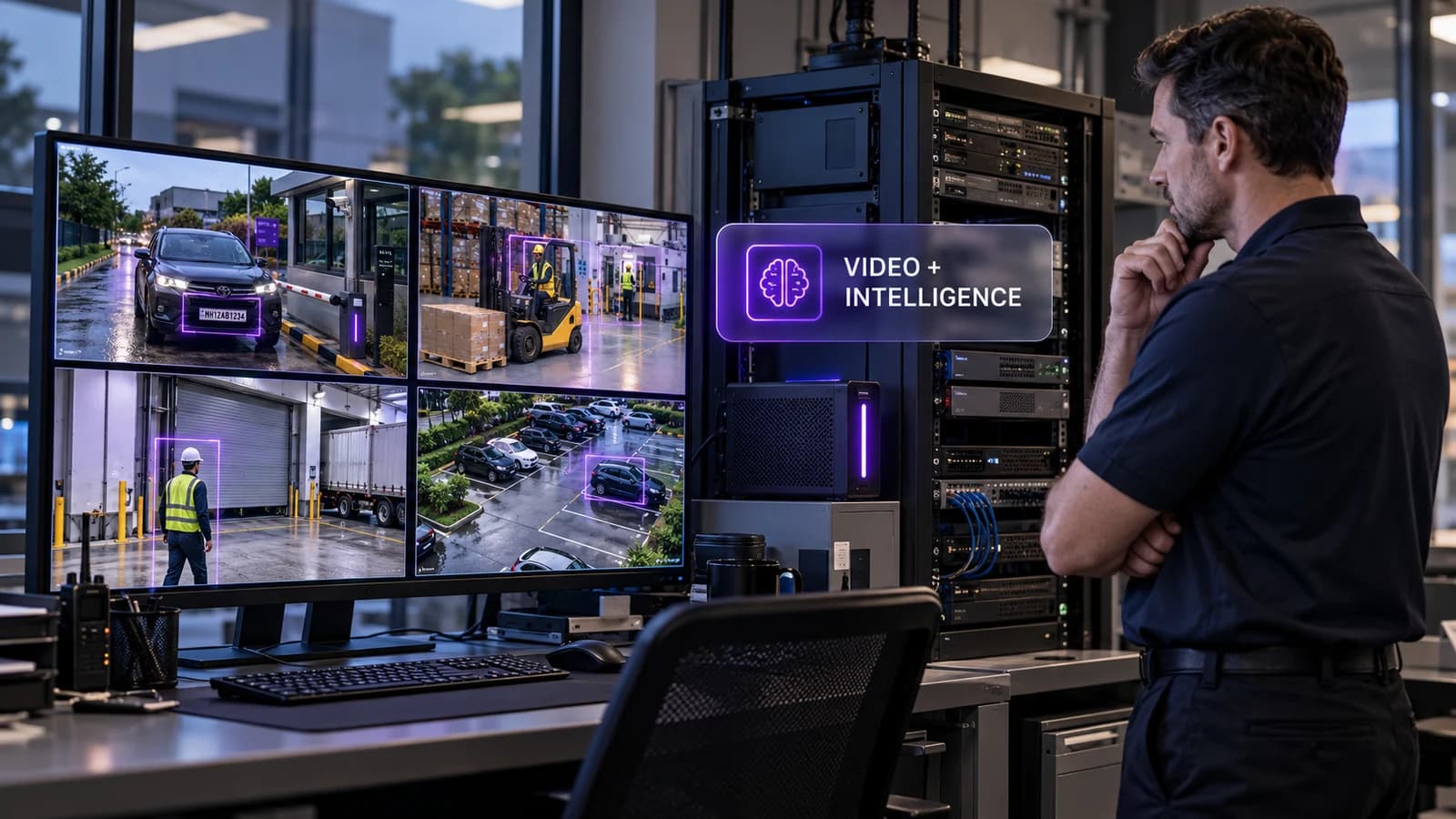
Managing CCTV Across Multiple Sites: Camera Health, Access and Evidence with Kvabi VMS
Plan multi-site video operations around camera health, user access, evidence and local ownership, then evaluate the workflow in Kvabi VMS.
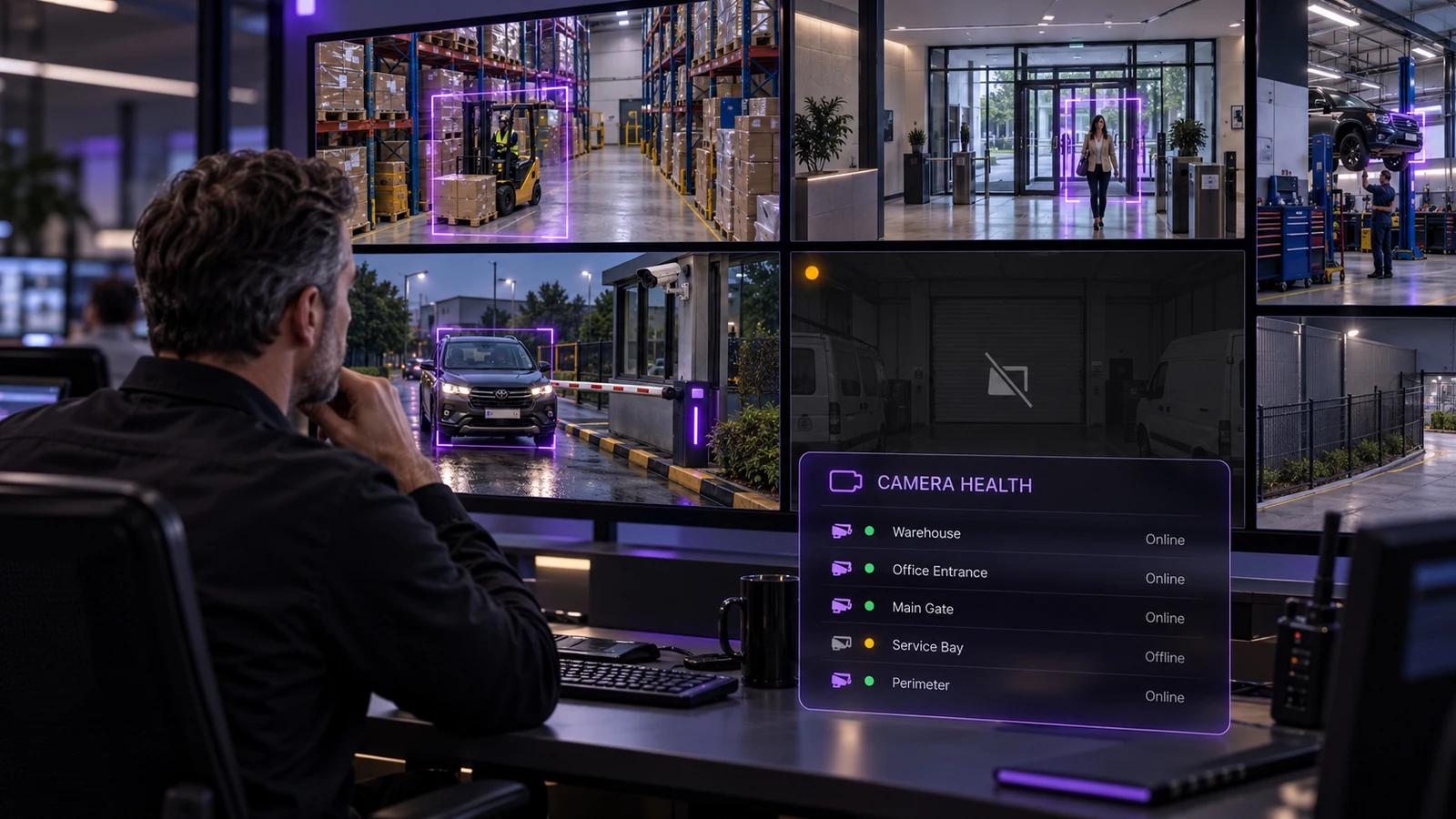
A central camera wall does not, by itself, create a consistent multi-site operation. Sites may use different names for the same area, have different recording policies and assign different teams to investigate failures. A regional manager can see many cameras while still being unsure who owns the next action.
KVABI VMS provides a route to evaluating multi-site video monitoring, camera health, controlled access and evidence review. The most useful demonstration starts with the roles and responsibilities of the organization, then shows how the proposed configuration supports them.
Organize the sites before expanding the wall
Use a naming scheme that helps an operator find a view under pressure. A camera name should connect to a site and a meaningful location, such as an entrance, loading area or floor. Keep operational purpose separate from the device's technical identifier so both reviewers and support teams can find what they need.
Agree which views deserve central attention and which remain primarily local. A regional team might need selected exception evidence while a local operator needs the wider live layout. A larger camera count should not force every user to watch every view.
Give camera health an owner
An unavailable camera is a task to investigate, not merely a coloured indicator. Identify who receives the issue, who checks the stream and who determines whether recording or an operational workflow has been affected. The cause may sit with the device, network, credentials, recording configuration or processing environment.
During a demonstration, ask which health conditions are actually exposed and how they are updated. Do not assume that an online status proves that the view is unobstructed, the camera is correctly aimed or every expected recording exists. Those are different checks and may require different tools or human review.

Define access by operating responsibility
List the tasks each role needs: live viewing, playback, event review, evidence export and administration. Then map those tasks to sites and the available permission controls. Evaluate the exact boundaries in the proposed configuration rather than assuming all forms of site scoping or export restriction exist by default.
Test using representative accounts. A local operator should see the intended operational scope; a regional reviewer should have the agreed cross-site access; an administrator should have only the privileges required for administration. Include a negative check: show that an account cannot perform an action outside its granted scope.
| Role to evaluate | Typical operating need | Demonstration question |
|---|---|---|
| Local operator | Relevant live views and event review | Can the user find the correct local evidence? |
| Regional reviewer | Selected cross-site oversight | What sites and actions are within this account's scope? |
| Support administrator | Device and configuration maintenance | Which actions are permitted and recorded? |
| Evidence recipient | A scoped incident handoff | What can be shared without granting broad video access? |
This table is a planning framework, not a declaration of preconfigured product roles. Agree the supported permissions and any project-specific work before treating it as an access design.
Keep evidence understandable across locations
A clip that makes sense to a local supervisor may be ambiguous to someone in another office. Include site, camera, event time and the relevant operating context. Agree how time zones are displayed and how users distinguish event time from the time a record was reviewed or exported.
Define evidence retention and handoff responsibilities. If different sites use different recorders, demonstrate how the reviewer reaches the relevant playback in each supported arrangement. The incident walkthrough provides a task-based way to evaluate this experience.
Test local and central behavior separately
Wide-area connectivity affects remote access, but the effect on local recording or processing depends on the architecture. Draw the proposed dependencies and test them in a controlled site validation. Identify what continues locally, what becomes unavailable centrally and what the operator should do during an interruption.
Avoid a blanket promise that everything continues offline. The architecture guide explains the design considerations; the project still needs a supported configuration and an explicit test. Review recovery behavior as well as the interruption itself, including how teams find any gaps that require attention.
Scale through a representative site
Select a first location that reflects the camera types, operating hours and support conditions you expect elsewhere. Validate naming, roles, recording, event review and the health-response process there. Use that evidence to decide which configuration can be reused and where another site needs a separate assessment.
Track operational measures such as time to identify an unavailable view, time to locate evidence and completion of the agreed response process. A count of connected cameras is useful for inventory, but it does not explain whether the video operation is dependable.
Bring the actual roles to the demo
Request a multi-site VMS live demonstration with a local operator, a regional reviewer and the person responsible for technical support. Describe the current recording systems and the tasks each person needs to perform. Customer footage can help demonstrate evidence review; live-site reliability and access boundaries require their own validation.
The objective is a shared operating model: each view has a purpose, each access right has a reason and each exception has an owner. Expand when that model works at the first representative site.
Kvabi 2.0 live lab
Request a Multi-Site VMS Demo
See the relevant Kvabi workflow in a live lab session. Describe your site and, if useful, arrange an evaluation with CCTV footage you are authorized to share. Sample requirements and transfer arrangements are agreed after your request.